
Storefront · Booking Fields & Add Ons
Booking form fields
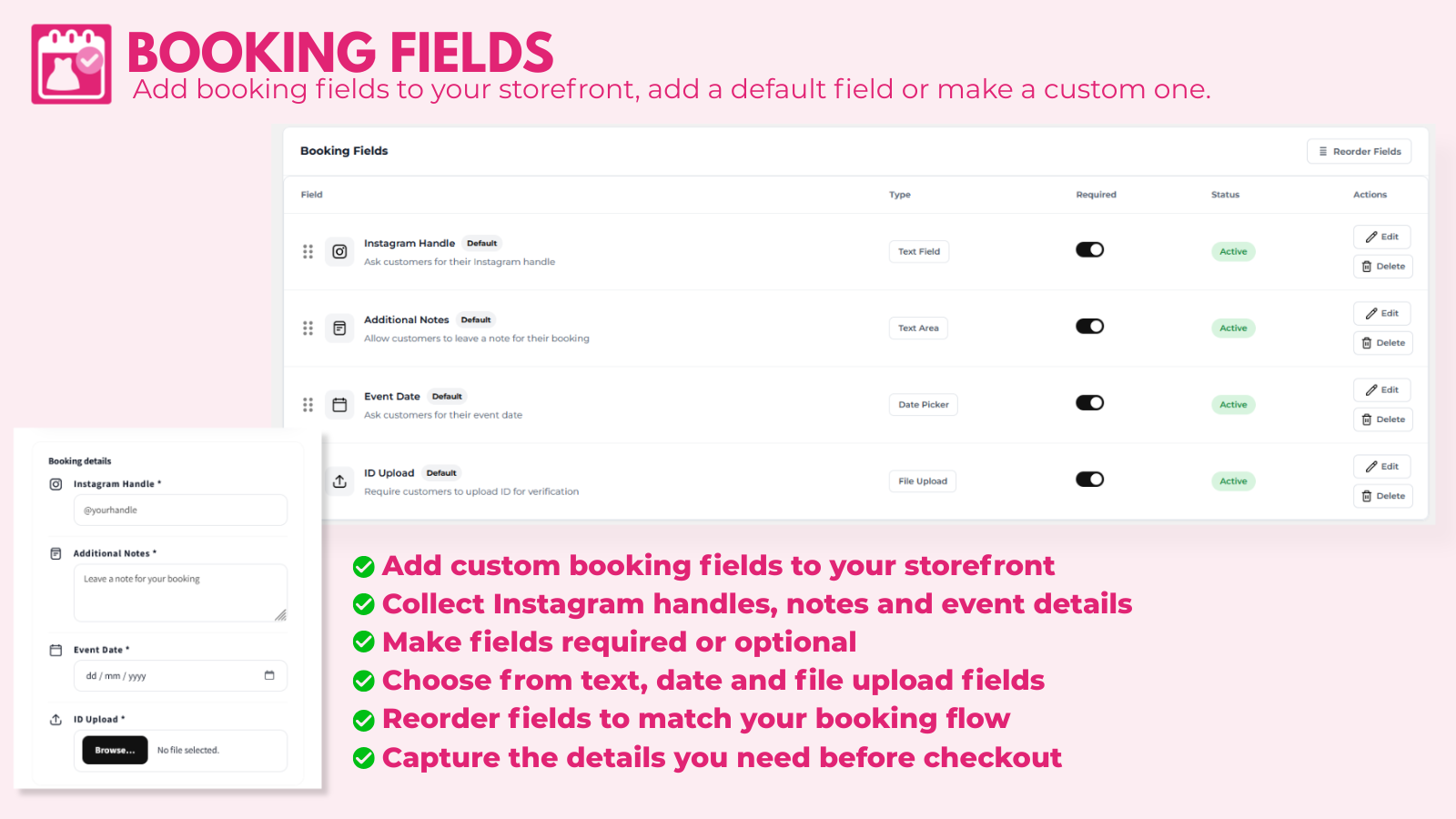
Collect extra details from customers when they book. Go to Booking Fields & Add Ons → Booking Form Fields.
Ready-made fields
- Instagram Handle
- Additional Notes: a note for the booking
- Event Date
- ID Upload: customers upload ID for verification
Add a custom field
- Click Add Custom Field, or Pick from defaults.
- Enter the Field Label (for example Body measurements).
- Choose a type: Text Field, Text Area, Date Picker or File Upload.
- Add help text and placeholder text, and choose whether it's required.
- Save.
You can make all fields required or optional at once. Customers' answers appear in the booking's Customer tab.
Collecting ID? Mention it in your store's privacy policy. See Data & privacy for how long ID images are kept.