
For bridal & bridesmaid hire
Bridal and bridesmaid dress hire software for Shopify
Brides book early, want to try on first and often hire several matching dresses at once. The Dress Rental App handles try-on appointments, advance bookings and higher-value hires in your Shopify store.
The challenge
Wedding hires need more care
Bridal and bridesmaid bookings are planned months ahead, involve fittings, and carry more value and more emotion than a typical hire.
Try before you hire
Most brides and bridal parties want to see and try dresses in person before booking.
Booked far in advance
Wedding dates are set early, so your calendar needs to accept bookings many months out.
Matching dresses
Bridal parties often need several dresses in different sizes for the same date.
Higher value
Expensive gowns need proper bonds, clear terms and a record of who has them.
How the app helps
Built for bridal rentals
Try-on appointments
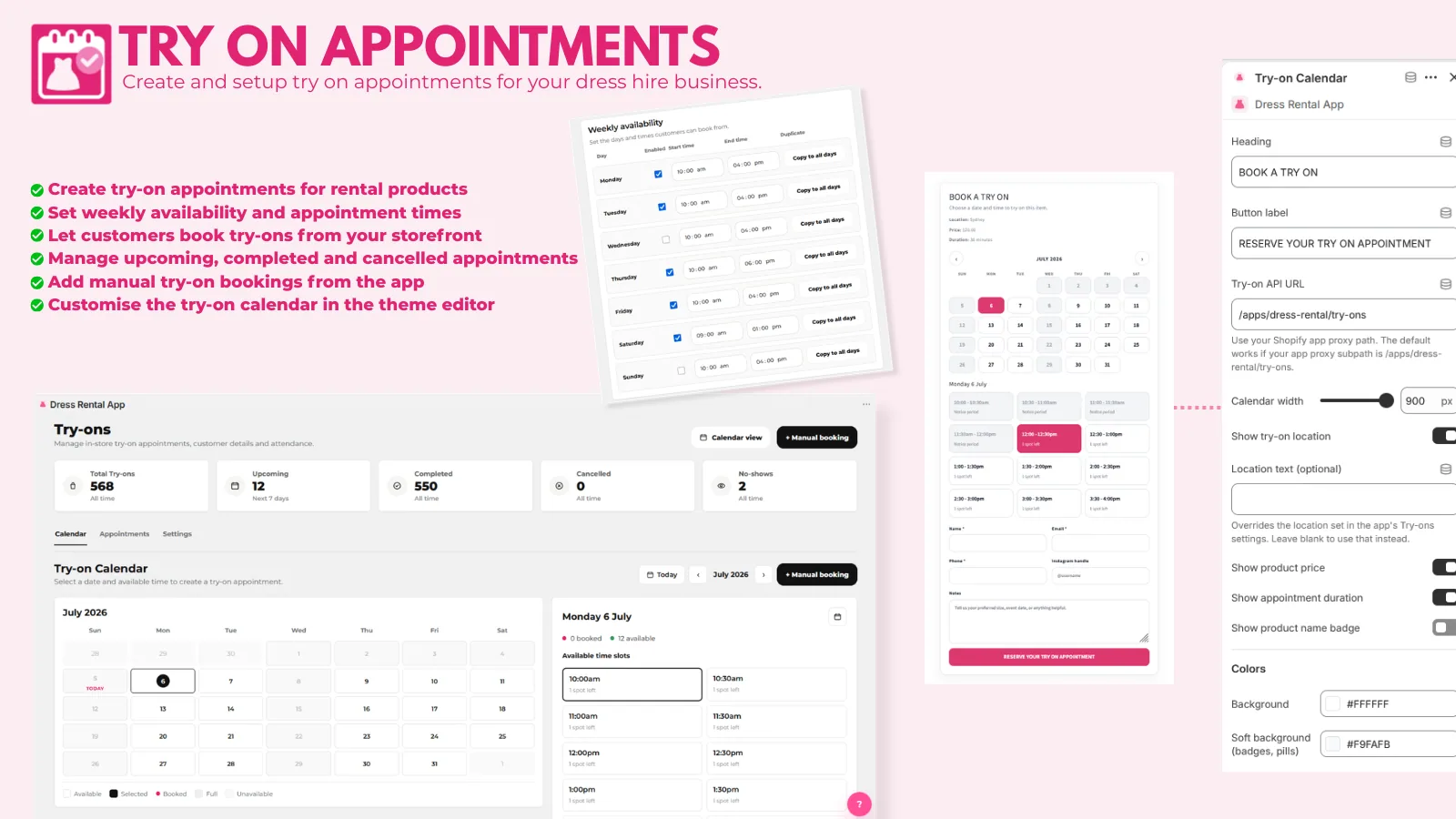
Customers book try-ons from your product pages, with your hours, locations and slot limits. Set up try-ons
Google Calendar sync
Try-on appointments appear in your showroom calendar and update when they change. Google Calendar sync
Book up to a year ahead
Set Max Calendar Days to 365 or more so couples can book as soon as their date is set. Rental settings
Bonds and insurance
Charge a flat or percentage bond, and offer an optional insurance add-on. Insurance and add-ons
Terms and ID
Require customers to accept your hire terms, and collect ID uploads or other details you need. Booking form fields
Accessories
Hire out veils, bags and jewellery alongside the dress, checked for the same dates. Accessories
Set up your bridal hire store
- Add try-on locationsCreate your showroom, opening hours, appointment length and blackout dates.
- Set your calendar windowAllow bookings far enough ahead for the weddings you take.
- Protect each hireChoose your bond, add insurance, require terms and turn on ID upload.
- Go liveAdd the Rental Widget and Try-on Calendar blocks to your product pages.
FAQ
Bridal dress hire questions
Can customers book a try-on before they hire?
Yes. The Try-on Calendar lets customers book an appointment against a dress, and you can let them choose several dresses or "anything available". You can also book appointments for customers yourself.
How far in advance can brides book?
As far as you like. Max Calendar Days controls how far ahead the calendar goes. 365 allows bookings a year in advance.
Can a bridal party book several dresses for the same wedding?
Yes. Each dress or size has its own availability, and you can require every rental in one cart to use the same dates with Force Same Dates on Cart.
How do I protect expensive gowns?
Use a percentage bond so higher-value gowns carry a higher bond, offer optional insurance, require customers to accept your terms, and collect ID uploads. Record damage claims in each booking's Customer Disputes tab.

Take rental bookings on Shopify
Install The Dress Rental App and start on the free plan, or let us build your whole rental website.